 CutWell
A score, and a reason
Every variation comes with a score and a plain “why this edit” note that names the moments it used, with their timestamps.
For TikTok, Reels, Shorts and feed posts
Give CutWell a raw video. It comes back as several short edits, each stitched from the strongest moments across the whole thing, cleaned up, captioned and framed for vertical.
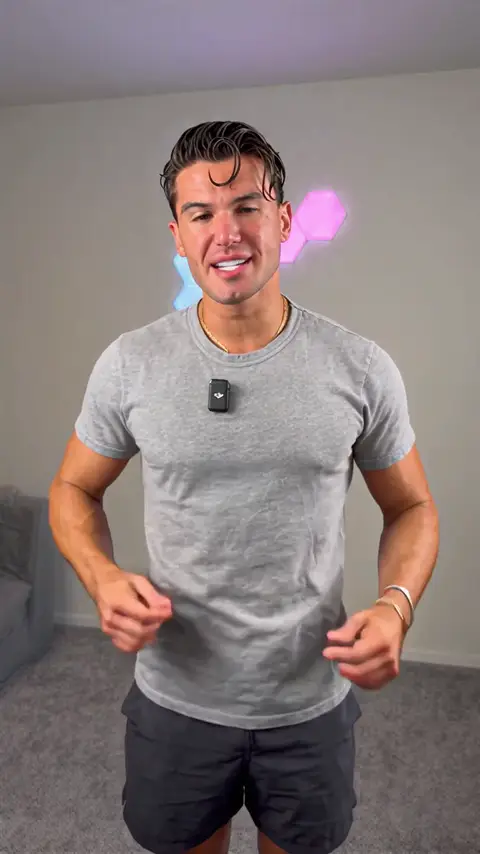
Today I'm showing youhow I edit my videos.It used to take an hour.Now it takes seconds.
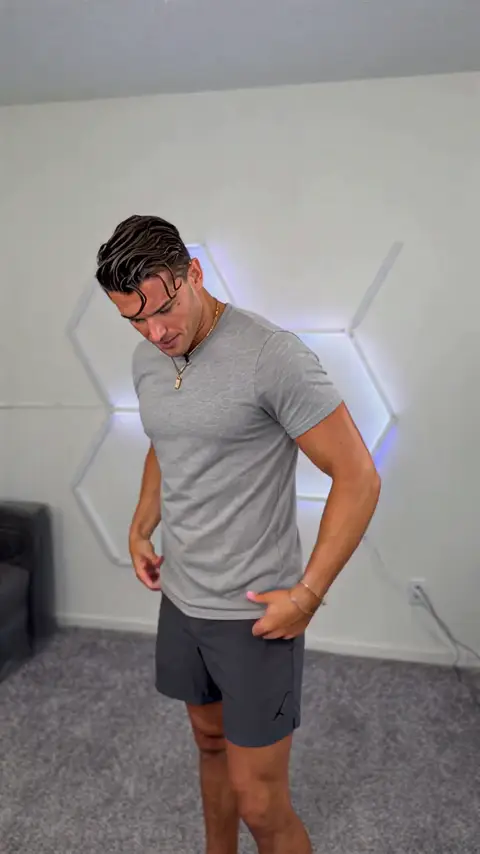 um…wait, againuhh
Film it messy.Post it clean.
BeforeAfter
Cleanup

Your cut is ready24:10 → 0:38
The cut
Most tools hand back one continuous piece. CutWell picks moments from across the whole take and stitches them into a short that stands on its own: a question with its whole answer, a complete thought.
0:0024:10
How it works
Import one from your phone, up to 20 minutes long. Or paste a YouTube, Instagram or TikTok link to a video up to 60 minutes long.
Paste a video link
It finds the strongest moments, cuts the retakes, filler and dead air, stitches the edits, frames them vertically and adds captions if you want them.
ListeningCuttingMaking your video
You get several variations. Each has a score and a plain note on why the edit works, so choosing takes seconds.
86Edit 181Edit 277Edit 3
Features
Every variation comes with a score and a plain “why this edit” note that names the moments it used, with their timestamps.
Retakes, filler sounds and dead air are cut, so what's left is the take you meant to film.
Turn captions on or off. When they're on, they sit where they don't cover faces or on-screen text.
Wide footage is reframed for vertical screens around the people in it, so nobody is cut in half.
Made for talking videos, and for the ones where nobody says a word.
Send a batch and each video comes back with its own set of edits.
The work continues on our servers, and a notification tells you when your shorts are ready.
Made for
Pricing
3 cuts
On the house, to see what CutWell does with your own videos.
Unlimited cuts
For people who post every week and film more than they have time to edit.
The price is shown in the app before you subscribe. Subscriptions renew automatically until cancelled. See the Terms of Use.
FAQ
You give CutWell a long raw video and it edits it into several short videos that are ready to post. It cuts retakes, filler sounds and dead air, stitches the strongest moments together, frames the video vertically and adds captions if you want them.
A clip finder hands back one stretch of your video. CutWell makes an edit: it takes moments from across the whole video, such as a question together with its whole answer or one complete thought, and stitches them into a short that stands on its own.
Import a video from your phone, up to 20 minutes long, or paste a YouTube, Instagram or TikTok link to a video up to 60 minutes long. Only use videos you own or have the right to edit and post.
Yes. CutWell works for talking videos and for videos without speech, such as music, product films and montages.
Your first 3 cuts are free and you don't need an account: no name, email or password is required. CutWell Pro is an optional subscription for unlimited cuts, bought in the app through the App Store or Google Play.
No. The work continues on our servers even if you close the app, and you get a notification when your shorts are ready.
The original video is deleted from our servers and storage as soon as its job ends, whether it finished, failed or was cancelled. The finished shorts are kept so you can open them, until you delete the cut or your account. The Privacy Policy has the details.
CutWell is coming soon to the App Store and Google Play. Until then, write to support@useviralcut.com with any question.
Something else? Visit the support page.
Your first 3 cuts are free, and there's no account to make.